Notes
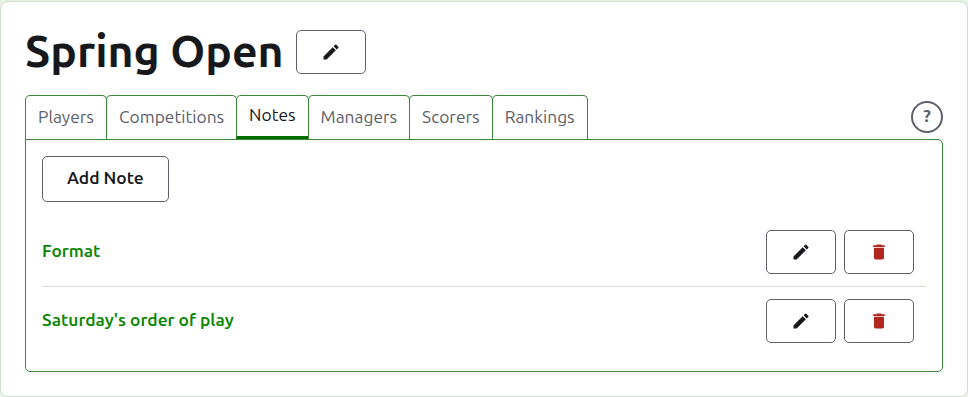
The Notes tab of a tournament's page is where its managers write what the players need to know as the tournament goes on: the format, a change to the order of play, the time of lunch. Readers find them on the tournament's public Notes page, headed Manager's Notes, and a note they have not read is marked there with a red asterisk, which also marks the Notes section on every page of the tournament until they open it.
Writing a note
Press Add Note, above the list. A panel takes the place of the list, since a note is written at length and needs the room.
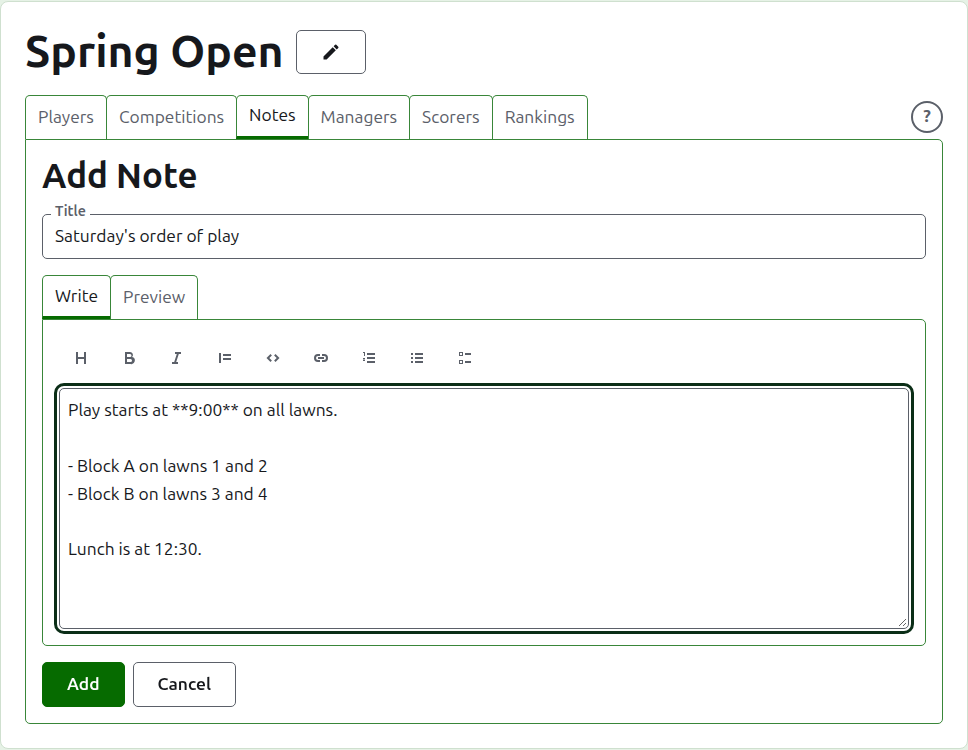
Title is required, and is what the note is listed by. It is plain text.
Description is written in Markdown and can be left empty where the title says all there is to say. The toolbar above the box writes the Markdown for you: Heading, Bold, Italic, Quote, Code, Link, Numbered list, Bulleted list and Task list. Each works on what is selected, or at the start of each line selected, or puts the cursor where the words go.
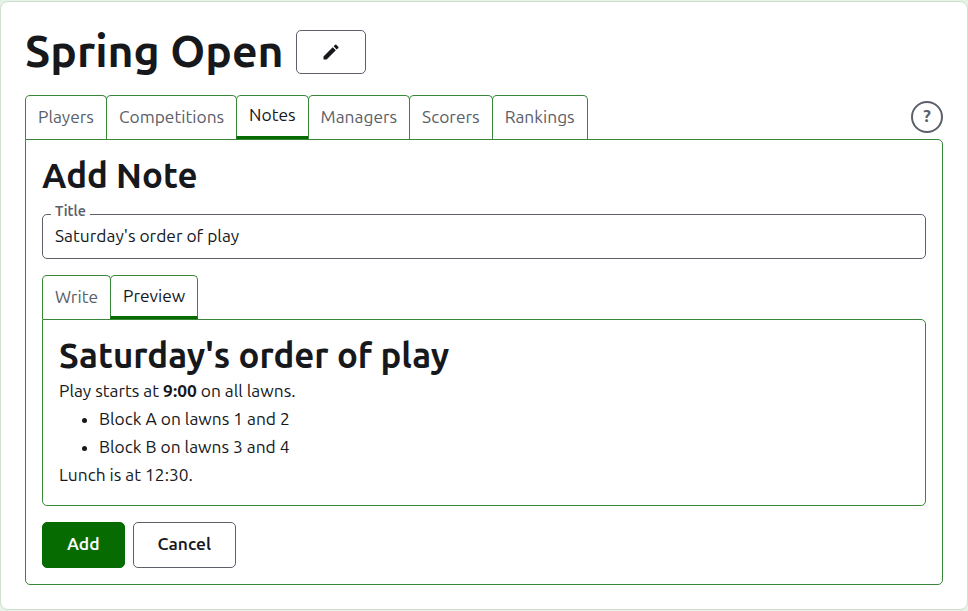
A blank line between two paragraphs parts them, and a reader sees a full blank line between them. Preview shows the note as a reader will see it on its page.
Press Add. The note is kept, the list comes back with it at the top, and it is on the public Notes page at once.
Editing a note
Press a note's title, or its Edit, to open the panel on that note. Press Save to keep the change. A note edited since a reader read it is marked for them again.
Deleting a note
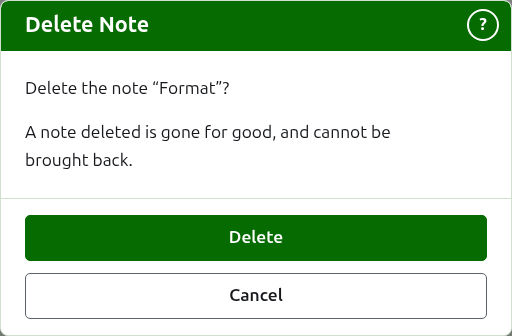
A note that no longer applies is deleted. A note deleted is gone for good, so Delete asks first.
Next: Managers and scorers.